What is Google Ads and How Does PPC Work?
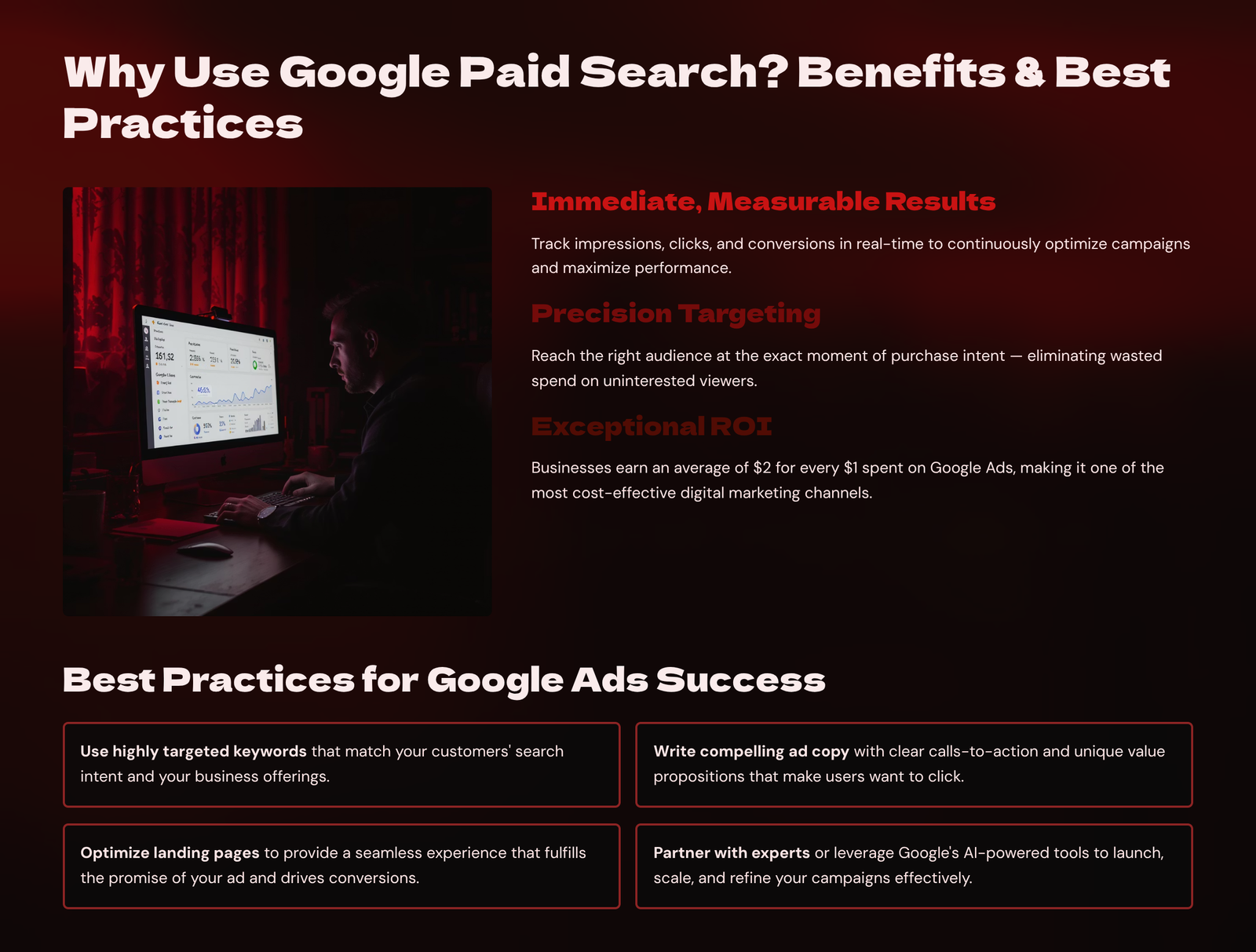
Google Ads is the world’s most widely used online advertising platform, allowing businesses to place ads across Google Search, YouTube, Gmail, Google Display Network, and millions of partner websites. PPC (Pay-Per-Click) is a model where advertisers only pay when a user clicks on their ad. Unlike social media ads that are often passive or interruption-based, Google Ads target users with high intent—they’re actively searching for a product, service, or solution. This makes PPC one of the most effective ways to capture ready-to-buy customers.
For instance, someone searching “emergency plumber in Leeds” is far more likely to convert than someone scrolling Instagram. Google Ads is auction-based: advertisers bid on keywords, and Google determines ad placement based on a combination of bid amount and Quality Score (which includes ad relevance, expected CTR, and landing page experience). Google’s reach is enormous—over 90% of internet users encounter Google Ads daily. For small businesses, this means instant visibility at the top of search results, even without strong SEO. It’s also highly measurable and scalable, offering control over budgets, geographic targeting, and timing. Mastering Google Ads puts your business in front of high-quality leads at the exact moment they’re looking for what you offer.

Types of Google Ads Campaigns
Google Ads offers multiple campaign types, each serving different purposes depending on your marketing goals. The most common and beginner-friendly is the Search Network campaign, which displays text ads above or below Google search results when users type specific keywords. These are highly intent-driven and excellent for lead generation or sales. Display Network campaigns place visual banners or text ads on websites, blogs, and apps across Google’s partner network. While display ads often have lower click-through rates, they’re useful for brand awareness and retargeting
Shopping campaigns are ideal for e-commerce businesses, showcasing product images, prices, and details directly in the search results. Video campaigns, primarily on YouTube, allow you to run skippable or non-skippable ads, great for storytelling and brand engagement. Performance Max campaigns are a newer format that uses AI to optimise placements across all Google networks—search, display, video, shopping, and Gmail—based on your goals. Lastly, remarketing campaigns help you reconnect with users who previously visited your website or engaged with your content. Choosing the right campaign type depends on your budget, audience, goals, and product or service offering. A service-based business might focus on search ads, while an e-commerce brand might run a mix of Shopping and remarketing.
Keyword Targeting and Match Types
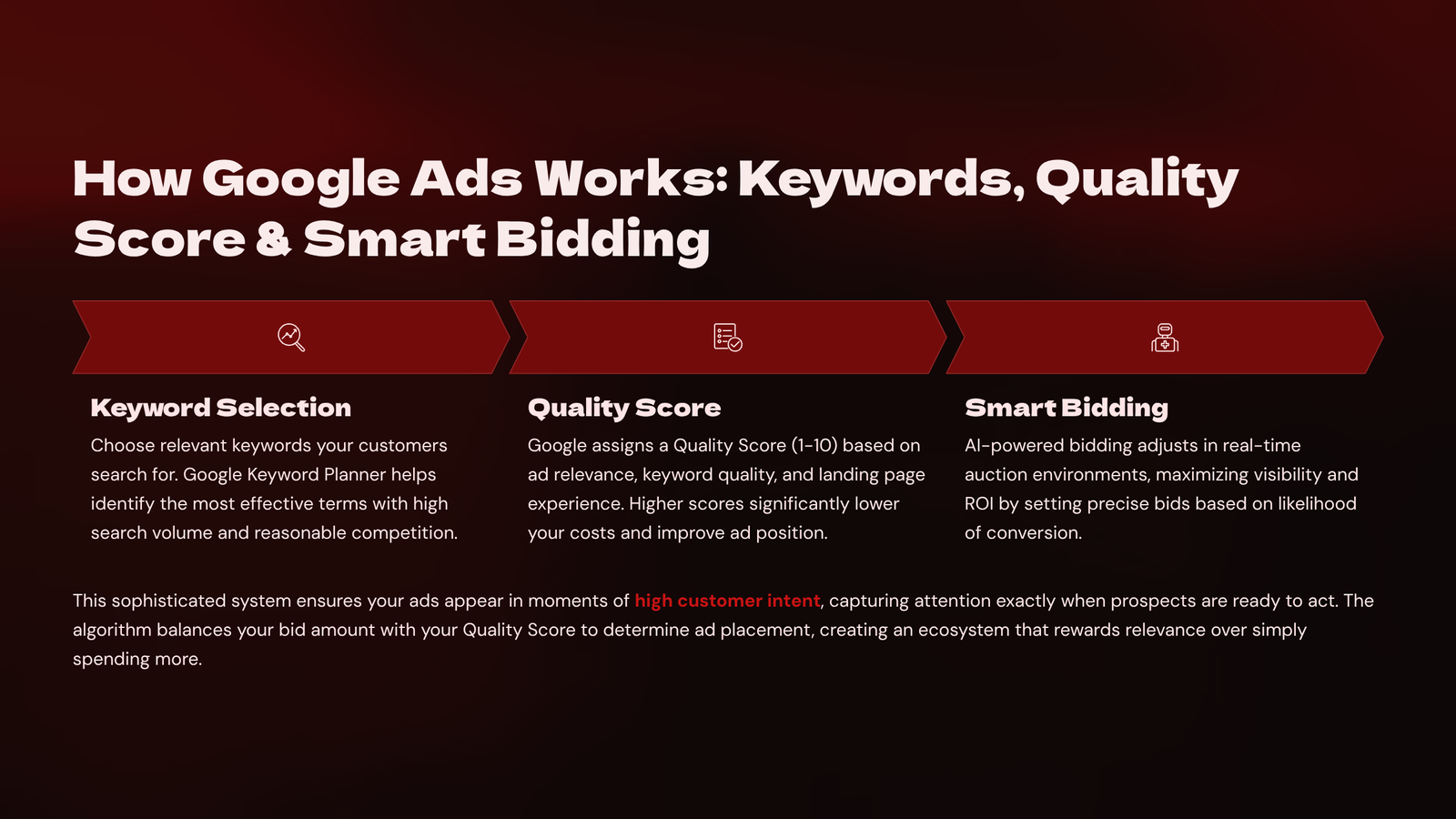
At the heart of Google Search Ads is keyword targeting—you choose specific words and phrases that your ideal customer is likely to search. Effective keyword targeting ensures that your ad appears only when the user’s search intent aligns with what you offer. Google Ads provides different match types to control when your ad is triggered: Broad Match (the loosest, showing ads for similar or related terms), Phrase Match (ads appear for searches that include the keyword phrase in order), and Exact Match (the ad shows only for the exact term or very close variations). For example, bidding on “digital marketing agency” in exact match ensures precision, while phrase match might include “best digital marketing agency near me.” Use tools like Google Keyword Planner, Ubersuggest, or SEMrush to discover keyword ideas, search volume, and competition. Be sure to build a list of negative keywords—terms you don’t want to trigger your ads (e.g., “free” or “jobs” if you’re selling a service, not hiring). Proper keyword strategy ensures your ads reach the right audience while controlling costs. Over time, you can optimise by pausing underperforming keywords and doubling down on high converters.
Writing Effective Search Ad Copy

Your Google search ad is often your first impression with a potential customer, so your copy must be clear, persuasive, and tightly aligned with the user’s intent. Each standard text ad includes:
headlines, descriptions, and display URL. The headlines are most important—they should include your primary keyword, a strong benefit or promise, and possibly a CTA. For example: “Affordable SEO Services – Rank Higher on Google – Book a Free Audit.” Your description should expand on your offer, add trust elements like reviews or guarantees, and reinforce urgency. Highlight USPs (Unique Selling Propositions) such as “24/7 Service,” “100% Satisfaction Guarantee,” or “No Hidden Fees.” Use ad extensions to add extra information—sitelinks (additional page links), callouts (extra benefits), call buttons, or location info.
Google ranks ads partly based on ad relevance to the search term, so tight keyword alignment improves both click-through rates and ad position. Great ad copy isn’t just about clever writing—it’s about solving the user’s problem quickly and clearly. A/B test different headlines and descriptions to improve CTRs and Quality Scores.
Building High-Converting Landing Pages for PPC
A well-written ad is only as effective as the page it sends users to. A landing page is a dedicated page designed to convert ad visitors into leads or customers. Unlike your homepage, it should have a single goal, minimal distractions, and messaging that matches the ad copy.
. This “message match” reinforces relevance and trust. For example, if your ad says “Download Free Guide to Facebook Ads,” the landing page should highlight that guide—not talk generally about your services. Include a compelling headline, clear explanation of benefits, visual proof (images or video), trust signals (testimonials, badges), and a strong CTA.
Keep forms short—ask only for necessary details. Ensure the page loads quickly, especially on mobile, and is easy to read. Use heatmaps (e.g., Hotjar) and A/B testing to continuously improve your landing page based on user behaviour. Google also assesses landing page quality, so a poorly designed or irrelevant page can hurt your Quality Score and increase ad costs. For high ROI, your landing page must be persuasive, user-friendly, and aligned with both your offer and your audience’s intent.
Monitoring and Optimising Google Ads Campaigns
Running a campaign is just the beginning—ongoing monitoring and optimisation are essential to maximise performance and ROI. Start by reviewing key metrics: CTR (Click-Through Rate) shows how engaging your ad is; CPC (Cost Per Click) shows efficiency; Conversion Rate tells you how well your landing page performs; and Quality Score affects ad rankings and cost. Use Google Ads’ Recommendations Tab to identify suggestions (but apply carefully, not blindly). Monitor your Search Terms Report to find new keywords to target and irrelevant ones to exclude with negative keywords. Split test (A/B test) your ads by running multiple variations and comparing performance. Experiment with bidding strategies (Manual CPC, Maximise Conversions, Target CPA) depending on your goals.
Review performance by device, location, time of day, and demographics to make data-driven adjustments. Pause underperforming ads or keywords and reallocate budget to high-performers. Set conversion tracking using Google Tag Manager or Google Analytics to measure actual results—leads, purchases, or form submissions. Continuous optimisation ensures you don’t just get clicks—but the right clicks that lead to sales.